This project is scheduled for launch
Launch date: Monday, December 21, 2026 at 08:00 AM UTC
Scheduled
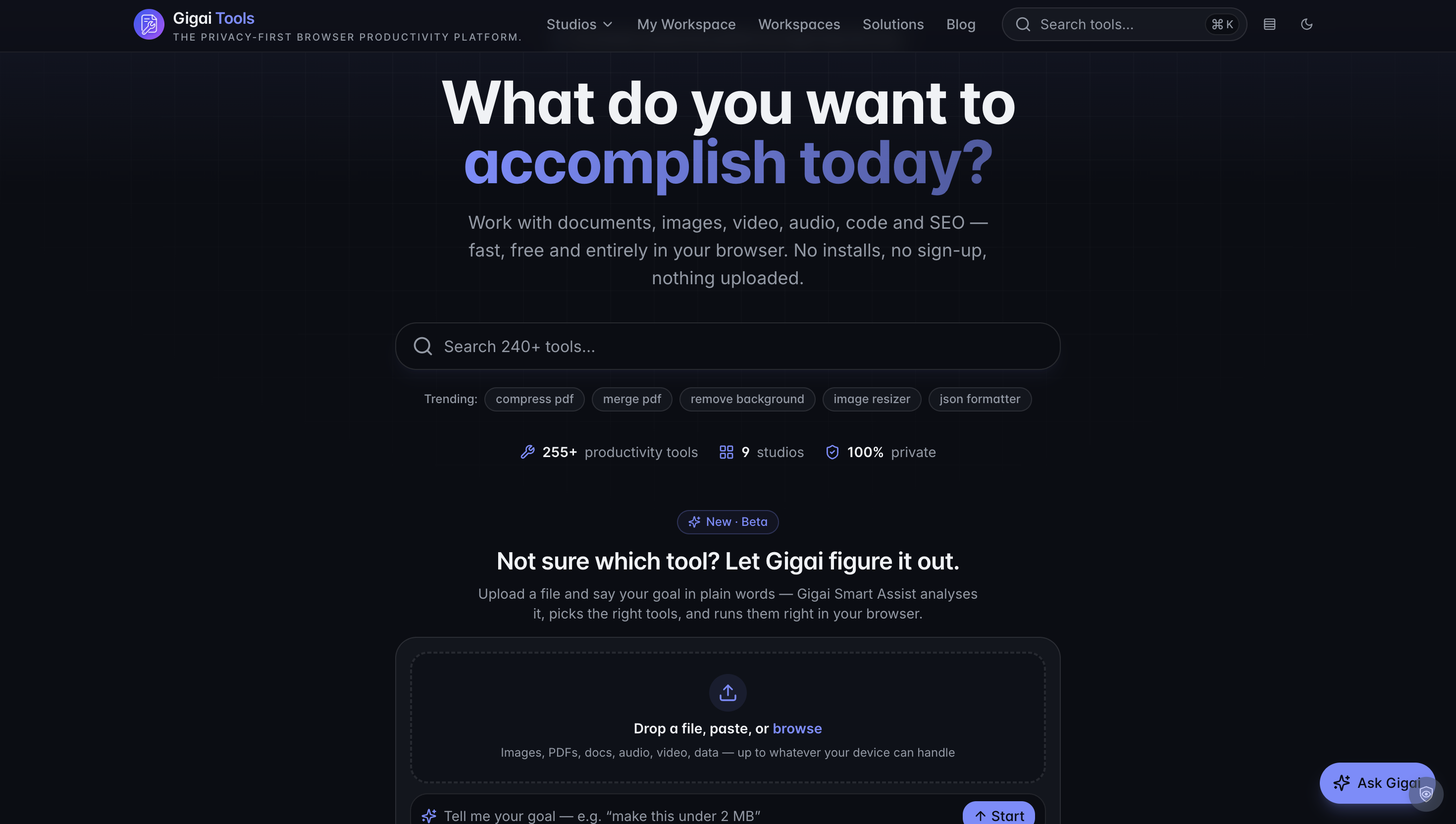
Gigai Tools is a privacy-first browser productivity platform offering over 250 free tools. It enables users to work with documents, images, video, audio, code, and SEO entirely in their browser, without requiring any installs, sign-ups, or file uploads. This platform caters to a wide audience, including students, businesses, developers, designers, and marketers, providing fast, free, and private online utilities for various digital tasks.
Key Features
- 255+ Productivity Tools: A vast collection spanning 9 dedicated studios (Image, PDF, Audio, Video, Developer, SEO, QR, SVG, Document).
- 100% Private: All processing occurs locally in your browser, ensuring no files are uploaded to servers and your data remains on your device.
- Gigai Smart Assist (Beta): An AI-powered feature that analyzes uploaded files and plain-word goals to automatically select and run the right tools.
- Comprehensive Media Handling: Tools for compressing, converting, resizing, editing, and managing images, PDFs, audio, and video files.
- Developer & SEO Utilities: Includes formatters, validators, encoders, decoders, regex generators, token counters, meta tag crafters, and social share inspectors.
- Guided Workflows: Chained tools that provide step-by-step guidance for common tasks like optimizing images for the web or assembling PDFs.
Use Cases
Gigai Tools is invaluable for numerous scenarios. Students can efficiently convert, compress, and format various document types for assignments, while business professionals can manage invoices, create QR codes, and prepare secure PDF documents. Developers will find essential utilities for formatting JSON, decoding JWTs, generating UUIDs, and scanning code for secrets, all within the browser. Designers can optimize images for web and social media, resize graphics, and convert vector art, ensuring assets are production-ready. Marketers can craft compelling meta tags, structured data, and preview social share cards to win clicks before the page even loads. Common problems like oversized PDFs or images, needing to remove image backgrounds, converting obscure file formats (e.g., HEIC to JPG, MOV to MP4), or editing PDFs are solved instantly and privately.Pricing Information
Gigai Tools operates on a completely free model. All 255+ tools are available without any sign-up requirements, subscriptions, or hidden costs, making it an accessible solution for everyone.User Experience and Support
The platform offers a clean, intuitive user interface designed for ease of use. Users can simply drag and drop files and select their desired action, with many tools providing instant previews and results. The 'Smart Assist' feature further simplifies the experience by intelligently recommending tools based on user input. For learning and troubleshooting, Gigai Tools provides a 'Learning Center' with short, practical guides and tips, alongside a comprehensive 'Frequently Asked Questions' (FAQ) section.Technical Details
Gigai Tools emphasizes client-side processing, leveraging modern browser capabilities to perform all operations directly on the user's device. This 'in-browser' execution is fundamental to its privacy-first approach, as it means no files are ever uploaded to external servers. This architecture also contributes to the platform's speed and responsiveness, as results are generated instantly without network latency for file transfers.Pros and Cons
Pros:- Completely free with no sign-up or account creation required.
- Strong privacy focus: all processing is done locally in the browser.
- Extensive library of over 255 tools across diverse categories.
- User-friendly interface with intelligent assistance and guided workflows.
- Fast and instant results due to client-side processing.
- No explicit cloud storage or direct collaboration features (due to privacy model).
- Limited information on advanced customization for some tools.
- Smart Assist is currently in Beta, indicating ongoing development.
- Relies on browser capabilities, so performance may vary slightly across different browsers or devices.
- No direct customer support contact mentioned beyond self-help resources.
Conclusion
Gigai Tools stands out as a robust, privacy-centric online productivity suite, offering an unparalleled collection of free tools for a wide array of digital tasks. Its unwavering commitment to user privacy, combined with its ease of use and extensive functionality, makes it an excellent choice for anyone seeking efficient, secure, and accessible browser-based utilities. Explore Gigai Tools today to streamline your digital workflow.Comments
Comments will be available once the project is launched.
Publisher

Launch Date2026-12-21
Platformweb
Pricingfree
Tech Stack
#web
Outbid
View🥇 🥈
🥈 🥉
🥉
Want this spot? Pay what you wantBest Launch Directories: launch directories with DR, traffic and pricing
Launch directories, product launch platforms and startup listing sites in one table, with Domain Rating by Ahrefs, traffic where known, pricing and link type for each.
$50
Boost Your Domain Rating — DoFollow Backlinks (DR 30–70) from $30
Raise your Ahrefs Domain Rating with 5 - 50 dofollow backlinks from DR 30–60 sites — from $50, guaranteed to improve your DR or your money back.
$45
DirEasy - The Best Directory Boilerplate with AI | DirEasy
The best directory boilerplate, packed with AI, Listings, Payment, Submission, CMS, Blog, Authentication, Newsletter, SEO and more.
$41