This project is scheduled for launch
Launch date: Monday, November 30, 2026 at 08:00 AM UTC
Scheduled
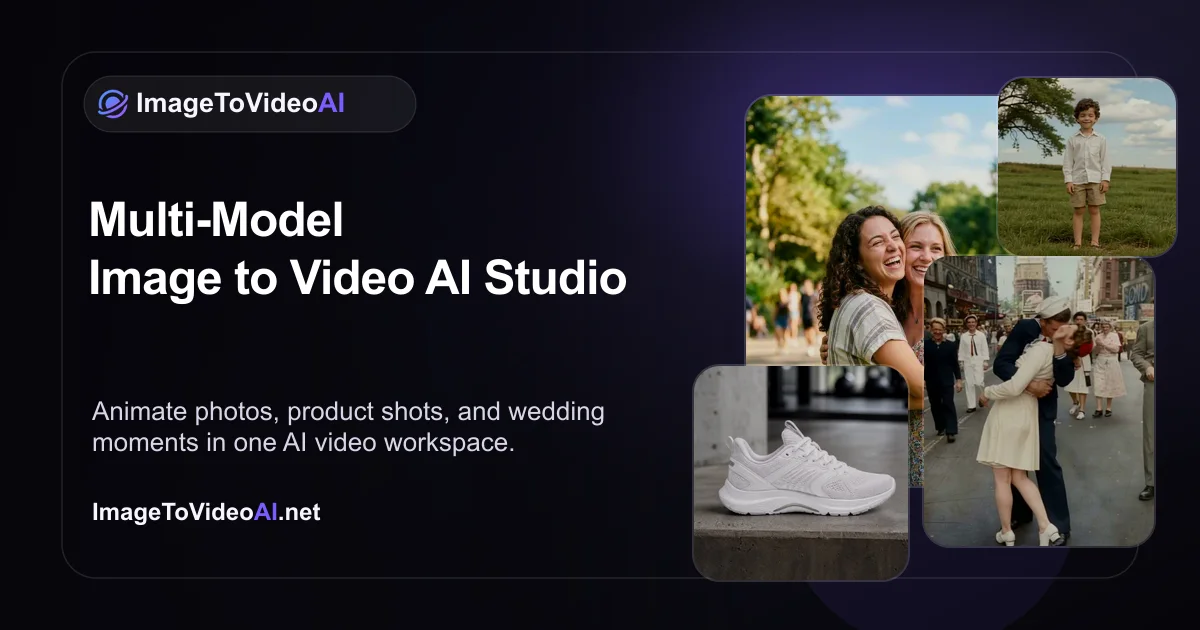
ImageToVideoAI is a cutting-edge AI platform designed to effortlessly transform static images and text into captivating videos. It serves a broad audience, from individual creators and marketers to businesses, enabling them to generate high-quality visual content with ease.
Key Features
- AI Image to Video: Convert any uploaded image into dynamic video content.
- AI Text to Video: Generate compelling videos directly from text descriptions.
- AI Video to Video: Upload existing videos to transform their style or motion.
- Integrated AI Image Tools: Includes AI Image Generator, Image to Image editing, Background Remover, and Image Upscaler.
- Multi-Model Access: Leverage 14 leading AI models like HappyHorse, Seedance, Wan, Kling, Veo, and Grok Imagine.
- No Watermarks: Enjoy clean, professional exports on all paid plans.
Use Cases
ImageToVideoAI is an invaluable tool for animating old photographs, creating engaging product video advertisements, and generating unique AI-driven content such as hug or kiss videos. Its capabilities extend to professional applications like real estate image-to-video tours, AI food video presentations, and dynamic travel video narratives, making it perfect for diverse marketing and storytelling needs. For creators, it simplifies the process of bringing static visuals to life, enabling the rapid production of social media content, cinematic scenes from text prompts, and personalized portrait animations without requiring advanced video editing software or skills.Pricing Information
The platform offers a flexible pricing model, including a "Free" tier with 20 welcome credits and daily bonuses for light testing. Paid options include a "Starter" plan at $23.9/month (currently 50% off) and a "Pro" plan at $55.9/month (also 50% off), both offering commercial usage licenses and no watermarks. A "Pay As You Go" option is also available for 2,500 credits at $49.9.User Experience and Support
ImageToVideoAI provides a streamlined, intuitive workspace that integrates various AI tools for asset creation, enhancement, and generation. The platform is designed for ease of use, requiring "no editing skills or desktop software." Users benefit from automatic refunds on failed tasks, full history tracking, and email support, with priority support for Pro subscribers.Technical Details
Powering ImageToVideoAI are 14 advanced AI models, including HappyHorse 1.0, Seedance 2.0, Wan 2.7, Kling 3.0, Veo 3.1, and Grok Imagine, among others. This multi-model approach allows for a wide range of creative outputs, from realistic cinematic sequences to dreamy anime styles, all managed within a unified online environment.Pros and Cons
- Pros: Comprehensive suite of AI-powered image and video generation tools.
- Pros: Access to a diverse array of 14 leading AI models.
- Pros: User-friendly interface, eliminating the need for complex editing skills.
- Pros: Free tier available for initial exploration and testing.
- Pros: Commercial usage rights and watermark-free exports on paid plans.
- Cons: Credit-based system requires monitoring, as usage varies by model and output.
- Cons: Limited information on advanced customization beyond basic parameters.
- Cons: No explicit mention of API access for integration with other systems.
Conclusion
ImageToVideoAI stands as a robust and accessible solution for anyone looking to harness the power of artificial intelligence for visual content creation. Its ability to transform images and text into high-quality videos, coupled with a suite of integrated AI tools, makes it an indispensable asset for modern digital storytelling. Explore ImageToVideoAI today to effortlessly bring your creative visions to life.Comments
Comments will be available once the project is launched.
Publisher

Launch Date2026-11-30
Platformweb
Pricingfreemium
Tech Stack
#web
Outbid
View🥇 🥈
🥈 🥉
🥉
Want this spot? Pay what you wantBest Launch Directories: launch directories with DR, traffic and pricing
Launch directories, product launch platforms and startup listing sites in one table, with Domain Rating by Ahrefs, traffic where known, pricing and link type for each.
$50
Boost Your Domain Rating — DoFollow Backlinks (DR 30–70) from $30
Raise your Ahrefs Domain Rating with 5 - 50 dofollow backlinks from DR 30–60 sites — from $50, guaranteed to improve your DR or your money back.
$45
DirEasy - The Best Directory Boilerplate with AI | DirEasy
The best directory boilerplate, packed with AI, Listings, Payment, Submission, CMS, Blog, Authentication, Newsletter, SEO and more.
$41