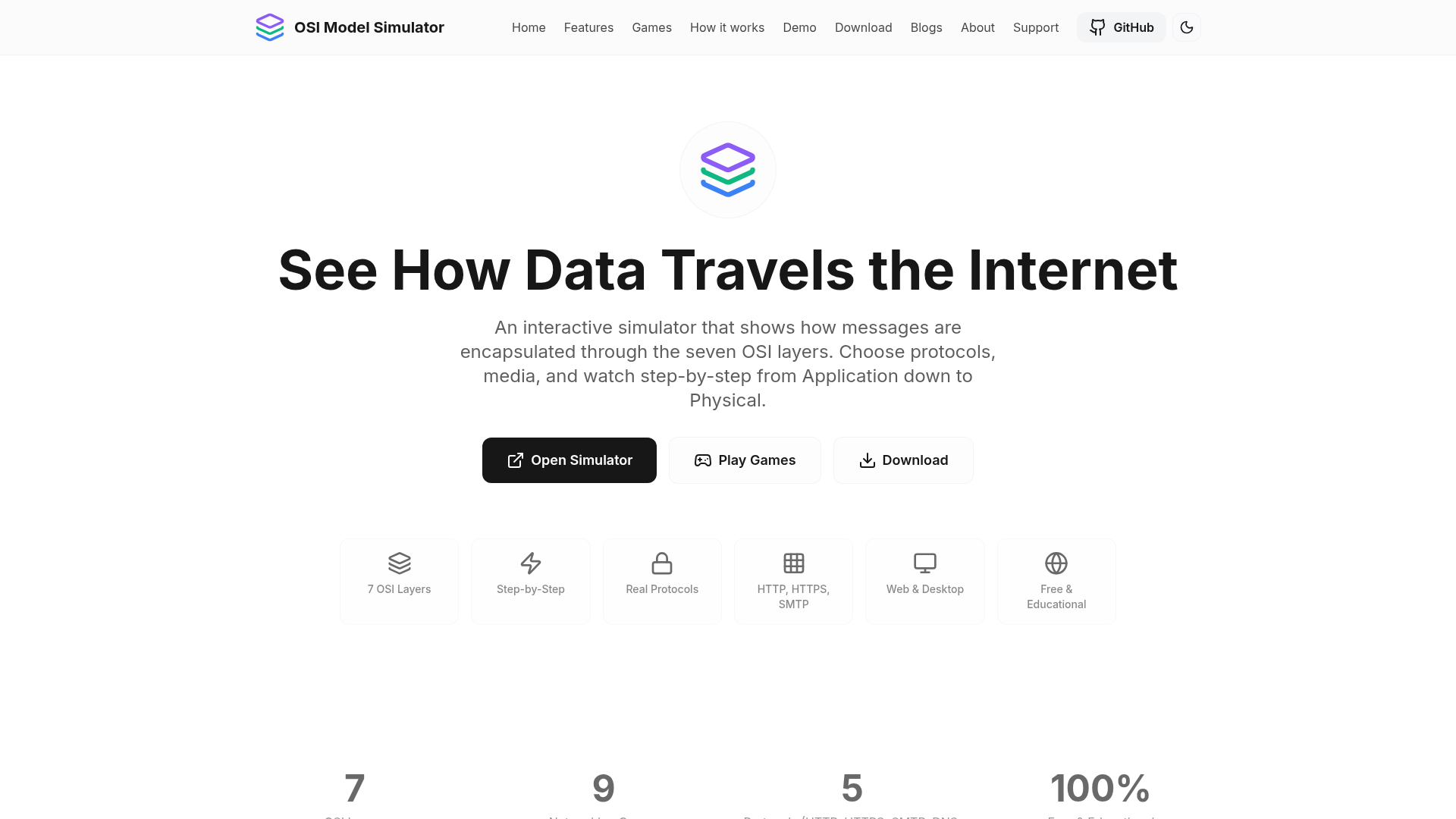
The OSI Model Simulator is a free, interactive educational application designed to visually demonstrate how messages are encapsulated and transmitted through the seven layers of the OSI model. It provides a step-by-step visualization of data flow, making complex networking concepts accessible and engaging for a wide audience. This simulator is ideal for students, teachers, network administrators, developers learning networking, and anyone preparing for certifications like CompTIA or CCNA, offering a practical, hands-on learning experience.
Network administrators and developers can use it to refresh their understanding of protocol behavior and the full network stack, bridging the gap between application-level and lower-layer interactions. It's also a valuable resource for certification exam preparation, providing a practical view of encapsulation.
Key Features
- Step-by-step visualization of all 7 OSI layers, showing encapsulation with clear labels and PDU names.
- Custom message input and selection of real transmission media (Ethernet, Wi-Fi, Fiber, Coaxial, Radio) and protocols (HTTP, HTTPS, SMTP, DNS, FTP).
- Accurate reflection of real protocol behavior, including headers, payload, and optional source/destination IP addresses.
- Flexible animation controls, allowing adjustment of speed, auto-advance, repeat, and manual step-through.
- Live layer view to inspect headers, payloads, and optional hex data at each stage of encapsulation.
- Nine built-in interactive networking games (quizzes, port matching, layer ordering) to test knowledge and track progress.
Use Cases
Students can gain a deep, visual understanding of how data moves across a network, from application data to physical bits. Teachers can leverage it as an interactive classroom tool to explain abstract networking principles.Network administrators and developers can use it to refresh their understanding of protocol behavior and the full network stack, bridging the gap between application-level and lower-layer interactions. It's also a valuable resource for certification exam preparation, providing a practical view of encapsulation.
Pricing Information
The OSI Model Simulator is completely free and open source, making it accessible to everyone without any cost, account registration, or hidden fees. It's available for use directly in your browser or as a downloadable desktop application.User Experience and Support
Featuring a clean, intuitive user interface with multiple theme options for personalized comfort, the simulator is designed for ease of use. Users can control animation speed and progression, while a 'How it works' guide provides clear instructions. As an open-source project, it benefits from community contributions and continuous improvements.Technical Details
The simulator is built using modern web technologies including React, TypeScript, Next.js for the web interface, and Tauri for cross-platform desktop application deployment. Tailwind CSS handles styling, and Framer Motion provides smooth animations, ensuring a responsive and engaging experience.Pros and Cons
- Pros:
- Highly visual and interactive, offering step-by-step data encapsulation.
- Supports real-world protocols (HTTP, HTTPS, SMTP, DNS, FTP) and various media types.
- Includes nine engaging networking games for active learning and skill testing.
- Completely free, open-source, and available across web, desktop (Windows, Linux, macOS), and mobile platforms.
- Customizable settings for messages, IPs, animation speed, and multiple UI themes.
- Cons:
- Limited to the five specified protocols, not a comprehensive protocol analyzer.
- While cross-platform, desktop and mobile versions have specific minimum system requirements.
- Game scores and streaks are saved locally, without cloud synchronization across devices.
Conclusion
The OSI Model Simulator stands out as an exceptional, free, and open-source tool for demystifying the OSI model and networking fundamentals. Its interactive visualizations and integrated games provide an effective and enjoyable learning path. Explore the simulator today to gain a deeper understanding of how data travels the internet.Comments
Publisher

Launch Date2026-10-12
Platformweb
Pricingfree
Tech Stack
#React#Next.js#Tauri
Outbid
View🥇 🥈
🥈 🥉
🥉
Want this spot? Pay what you wantBest Launch Directories: launch directories with DR, traffic and pricing
Launch directories, product launch platforms and startup listing sites in one table, with Domain Rating by Ahrefs, traffic where known, pricing and link type for each.
$50
Boost Your Domain Rating — DoFollow Backlinks (DR 30–70) from $30
Raise your Ahrefs Domain Rating with 5 - 50 dofollow backlinks from DR 30–60 sites — from $50, guaranteed to improve your DR or your money back.
$45
DirEasy - The Best Directory Boilerplate with AI | DirEasy
The best directory boilerplate, packed with AI, Listings, Payment, Submission, CMS, Blog, Authentication, Newsletter, SEO and more.
$41