This project is scheduled for launch
Launch date: Monday, December 7, 2026 at 08:00 AM UTC
Scheduled
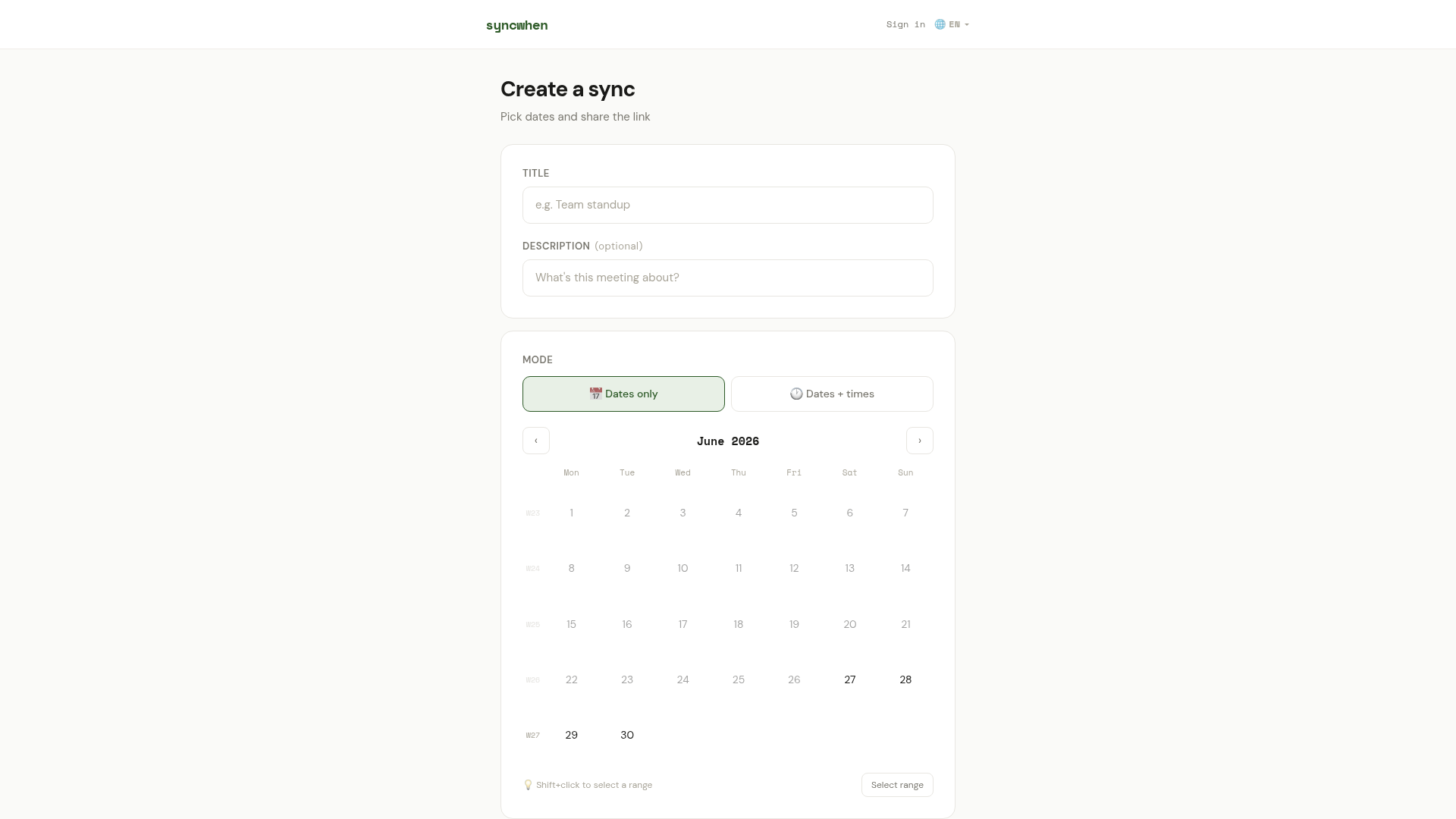
SyncWhen is a highly intuitive and efficient online scheduling tool designed to simplify the often-complex process of coordinating group meetings and events. Its primary purpose is to help individuals, teams, and organizations quickly find the best time to meet without the typical hurdles of sign-ups, advertisements, or cluttered interfaces.
Key Features:
- No Signup Required: Create and participate in polls instantly without needing an account.
- Ad-Free Experience: Enjoy a clean, distraction-free environment for scheduling.
- Flexible Time Slots: Easily define and manage specific time slots across multiple dates.
- Multi-Language Support: Accessible to a global audience with support for numerous languages (EN, ES, PT, DE, FR, IT, NL, PL, TR, ID, VI, AR).
- Repeat Sync Functionality: Automatically generate new rounds for recurring meetings, saving time and effort.
- Voting Deadlines: Set clear deadlines for participants to cast their votes, ensuring timely decisions.
- Pros:
- Extremely user-friendly with no registration required.
- Completely free and ad-free, ensuring a clean experience.
- Excellent for quick, informal, and recurring group scheduling.
- Supports multiple languages, enhancing global accessibility.
- Simplifies complex scheduling logistics efficiently.
- Cons:
- Lacks advanced features like calendar integration or automated reminders.
- No user accounts mean no personal history or management of past polls.
- Limited customization options for the scheduling interface.
- Absence of explicit customer support channels.
Comments
Comments will be available once the project is launched.
Publisher

Launch Date2026-12-07
Platformweb
Pricingfree
Tech Stack
#web
Outbid
View🥇 🥈
🥈 🥉
🥉
Want this spot? Pay what you wantBest Launch Directories: launch directories with DR, traffic and pricing
Launch directories, product launch platforms and startup listing sites in one table, with Domain Rating by Ahrefs, traffic where known, pricing and link type for each.
$50
Boost Your Domain Rating — DoFollow Backlinks (DR 30–70) from $30
Raise your Ahrefs Domain Rating with 5 - 50 dofollow backlinks from DR 30–60 sites — from $50, guaranteed to improve your DR or your money back.
$45
DirEasy - The Best Directory Boilerplate with AI | DirEasy
The best directory boilerplate, packed with AI, Listings, Payment, Submission, CMS, Blog, Authentication, Newsletter, SEO and more.
$41